Lucas Haley

Just a personal website.

Splash

A mobile game with mobility
#Accessibility #Programming

One of the first points of interest that came up when designing Turf! was how, as a mobile game that requires movement in physical space, it would be designed so that most people would be able to use it.

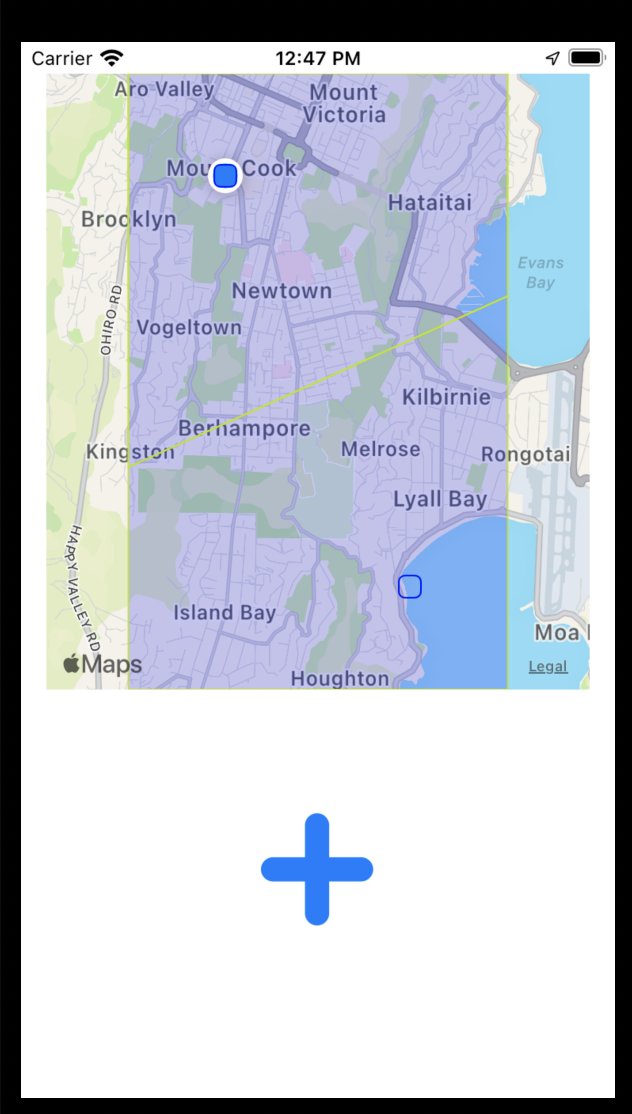
Again, the premise is that real people run around real space, and using the game, place virtual markers at real locations which create virtual territory, overlaid on real space.

The highest aggregated rate of territory wins.

It was immediately obvious that people who are fast on their feet would have an advantage. And also that people who are not mobile would not be able to participate in the game at all.

Player Classes

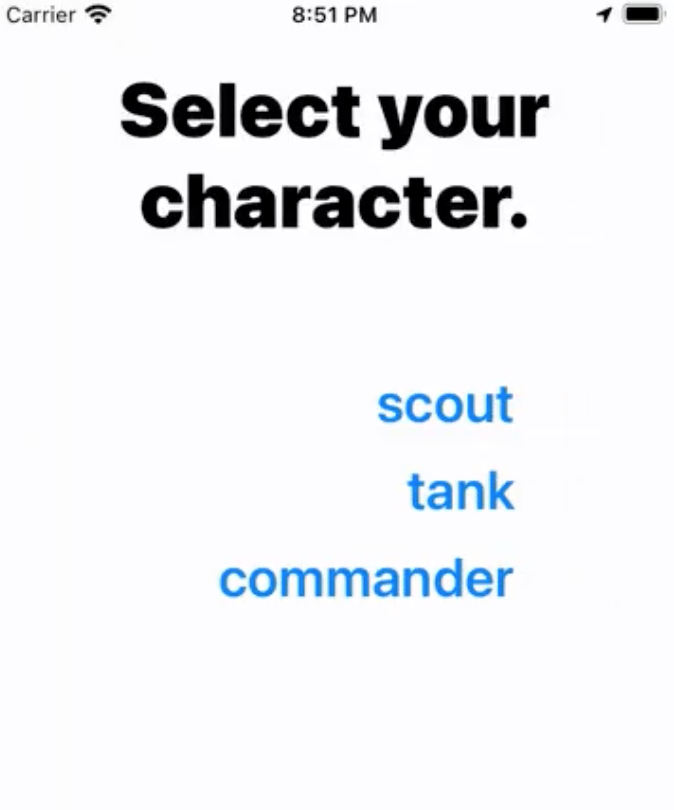
There is clearly nothing I could do about the relative speeds of players. Runners gonna run. But here is where I could lean on the RTS genre conventions to help out — player “classes”. When joining a game, each player selects a class, that provides certain abilities and restrictions. For the first pass, I included:

  • Scout. This class has the most markers to place, and can place them without a long delay. But each marker doesn't last very long.

  • Tank. With the fewest markers to place, and the longest placement time, this class shines as those markers last the longest.

  • Commander. Fewer markers, and quite a long placement time. But the Commander also has the extra ability to see the opposing team players' locations at all times — other classes can only see opposing team players' locations when they are in friendly territory.

Classes

Hopefully you can see how these classes and extra abilities help soften the imbalance from physical advantages. Further classes will include:

  • Ghost. The mirror to the Commander — remains invisible at all times.

  • Leech. Few markers of their own to place, but can “drain” enemy markers and take them over.

  • Drone. Not sure what to call this one, but this class would effectively allow a player to participate without physically moving. Instead, they would send a virtual “drone” to specific locations to place markers. But if that drone gets caught in enemy territory, it's lost. I think the intention behind this class is to allow participation from players who may not be as mobile as others, and can virtually participate.

System UI

It was also important to me to use system UI as much as possible. That way I could get the most built-in support for voice commands and other accessibility features. Visually, I'm trying to keep the UI clean, with high contrast, and large, easily readable text. Because for this game, I can. So that's good.

Splash

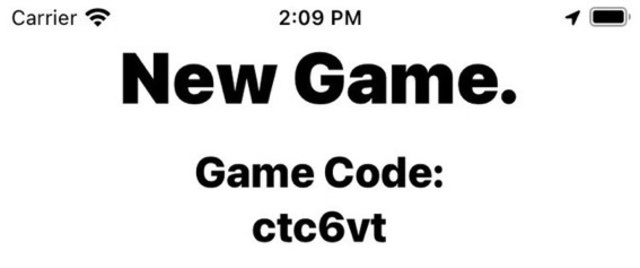
A game in progress.
#Game Design #Programming

So I’ve been working on a mobile location-based game for about ¾ of a year now, and thought I should share more details.

When starting out on the project, I wanted to try creating multiplayer functionality. Mainly because it's really fun playing with friends, but also because it's a tough nut to crack. But I also didn't want to jump into the deep end of 60fps/physics/vfx network transport — after checking out the Unity and Unreal solutions (both built-in and third party), it just seemed like too much to tackle with the limited time I had.

But I love turn-based multiplayer games (see: Pocket Tanks, I love that stuff), and it seemed like an easier place to start.

Next, I wanted to do something with mobile devices — specifically, something physical. I wanted to see if I could make a game that requires movement.

So the gameplay I ended on is this:

Players run around the real world, and use their devices to place virtual markers that create virtual territory. The team with the most owned territory at the end of the time limit wins.

This comes with some interesting challenges:

  1. Keeping track of players. Okay, so let's learn the iOS Core Location service, and possibly the Google equivalent. I did look into MapBox, and it looks great, but I couldn’t get it to work with any tech stack (see below).
  2. Keeping track of state, with multiplayer replication. For this, I thought I would give Firebase Realtime Database a go. I've never worked with JSON-style or NoSQL databases before, so there's a thing. But I was intrigued by the potential for pseudo-realtime networking.
  3. I didn't want to force players to define territory with outlines — that seemed like too much busywork. So I went with a single marker placement at a location. That meant defining the territory programmatically. My instinct was to use Voronoi Diagramming, which I think turned out pretty well.
  4. Lastly, I wanted the territory to be dynamic throughout the game — so that markers would “expire”, and give up their territory. This also meant that the score couldn't be based only upon territory, but rather a territory per timescale value (currently per second).

With all of those expectations, I researched a lot on potential frameworks to use. Cross-platform is the ultimate goal, but not the primary restriction. Although I’m very familiar with Unity, I wanted something that didn’t explicitly tie to that ecosystem — it felt unwieldy, unnecessary, and just heavy. I didn’t need all of that.

So I tried a bunch of mobile frameworks.

  • Flutter. I was really hoping this one would work, and I tried it a lot. Ultimately I couldn’t get those external packages to play nicely. And the text-node-based UI design was driving me looooooooopy.
  • Ionic. Yeah, I can see it for business apps. Didn’t sing to me.
  • Xamarin. See Ionic, but more.
  • Corona/Solar2d. I have experience in making games with Corona (now Solar2d), and really like it. But getting the hardware/database stuff working didn’t happen quickly.
  • RubyMotion. In a surprise find, I tried RubyMotion — a framework that lets you use Ruby to create iOS and Android apps. I was initially sceptical, because the codebase looked “old”, and you have to pay to use it. But my fears were unfounded, as I was able to get the basic operation going very, very quickly. The Slack server is small, but quite supportive, and the main developer is constantly bringing it up to date (when not working on the also-impressive DragonRuby).

Slowly RubyMotion proved its mettle, allowing me to bring in CocoaPods for the external stuff, and visual UI with XCode (XCode isn’t even needed, which is a huge bonus — but it’s nice to use just for the UI).

After setting up the initial UI scaffold, my main goal was to get locations, markers, and voronoi working.

I had to create the Vonoroi code in Ruby, as none of the available libraries ticked every box. But that’s okay, I understand more about the sweep line algorithm now. Getting it all together was very satisfying.

Next came the real-time database. Connecting was easy — the long process was figuring out the best way to treat the data, and how to replicate it to clients. Again, I wasn’t used to NoSQL, so the idea of just duplicating data all over the place made my skin scrawl (I like normalization, okay?), but eventually I got a good schema. Client replication was hard too, mainly because Firebase docs doesn’t do a good job explaining when and why replication happens — so I’m probably totally over-forcing updates. But the data is tiny, so I’m not worried about it.

The hidden bugbear — the thing I really wasn’t expecting — was how hard matchmaking would be. It’s probably worth an entirely different post, but ultimately I wanted matchmaking to happen behind the scenes, based upon location. There were a lot of edge cases and other interesting factors. And I had to make bots, because I can’t just get humans at all hours.

In short, matchmaking was a total beast.

But I got some successful playtests, with timers, scores, and ultimately other real humans.

turf

Right now the project is a bit stalled, as in the move to the US my priorities are elsewhere. But I also no longer have a Mac to work on. Anyone have a spare MacBook Pro they want to donate?

Splash

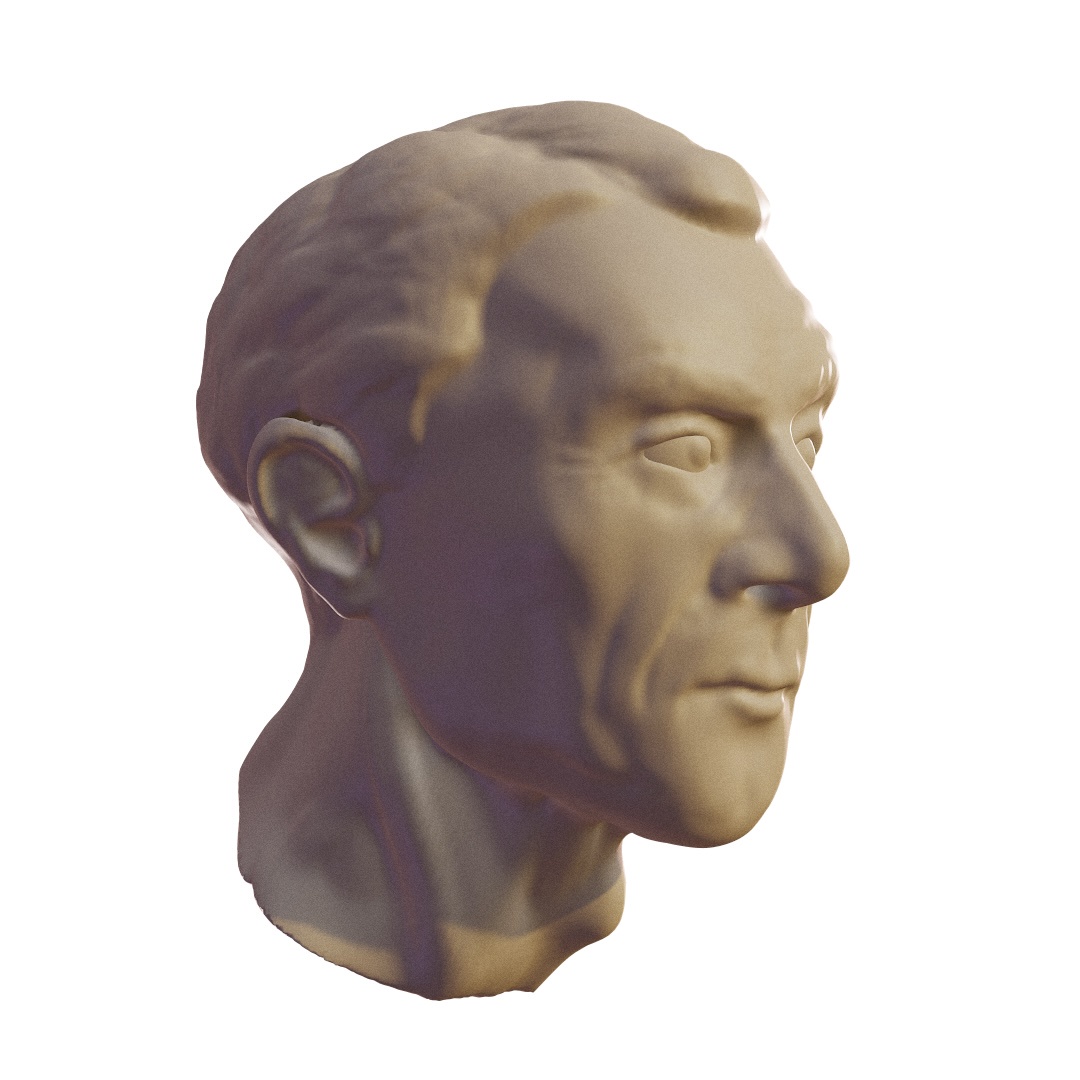
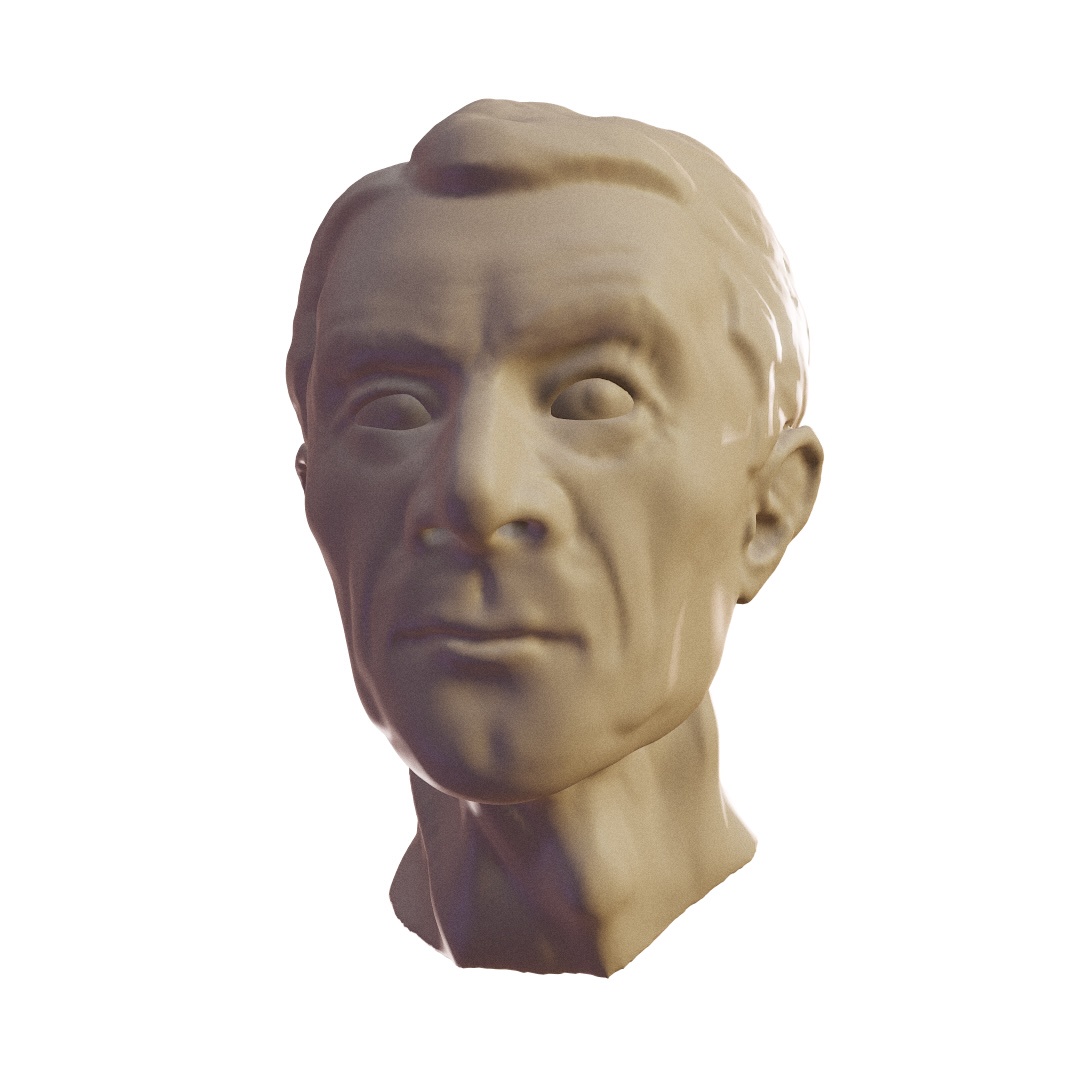
A first attempt at digital sculpting.
#Artwork

I’ve never tried digital sculpting. I’ve seen my students and peers noodling away in Zbrush, creating some awesome work. But every time I would try it, the user interface (and MacOS port) would completely turn me off.

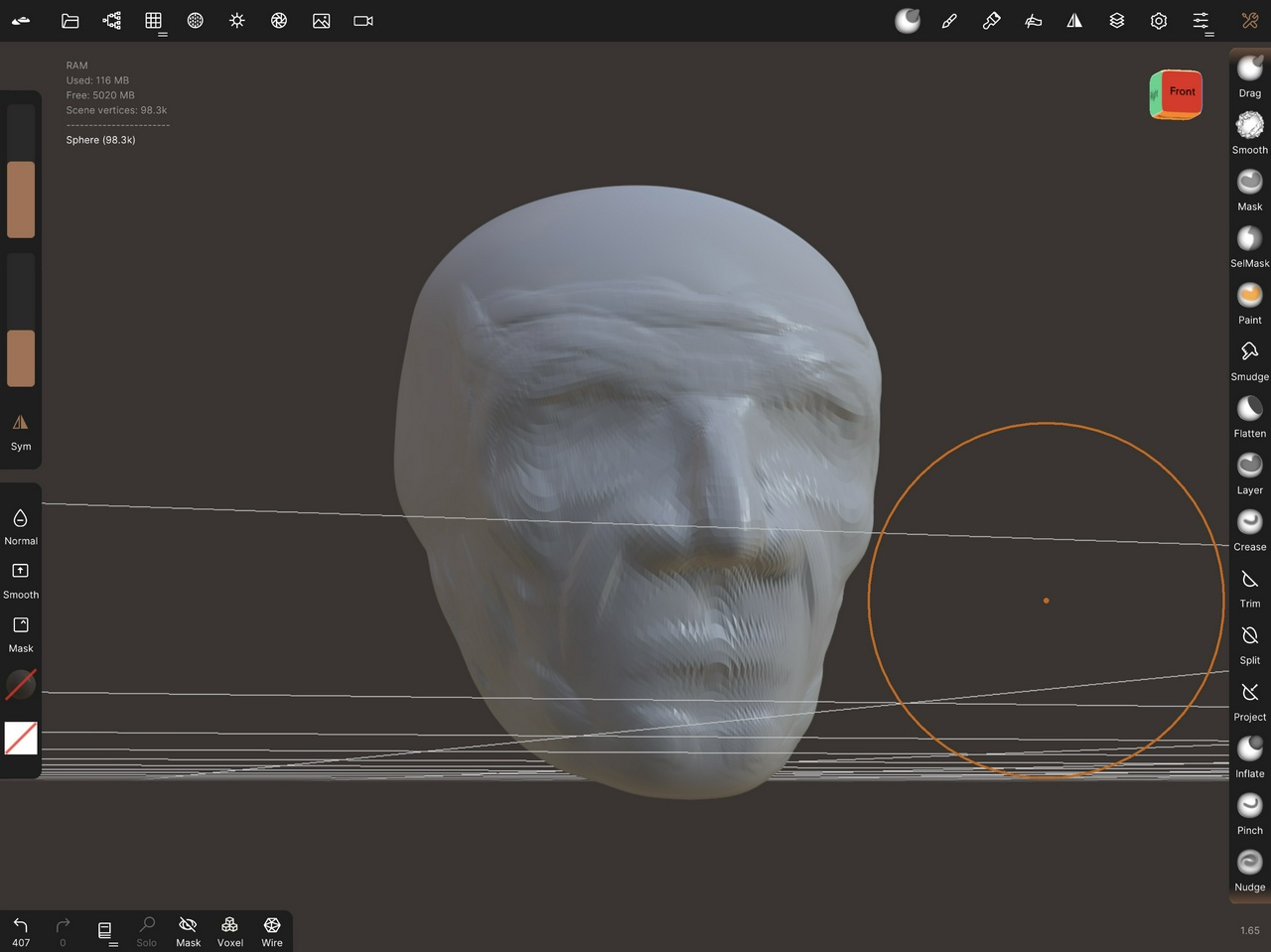
Recently, however, I decided to give Nomad Sculpt on iOS a go. And wow, it’s fantastic. Starting with a sphere, I just poked around a bit. A guy’s head? Let’s go with that.

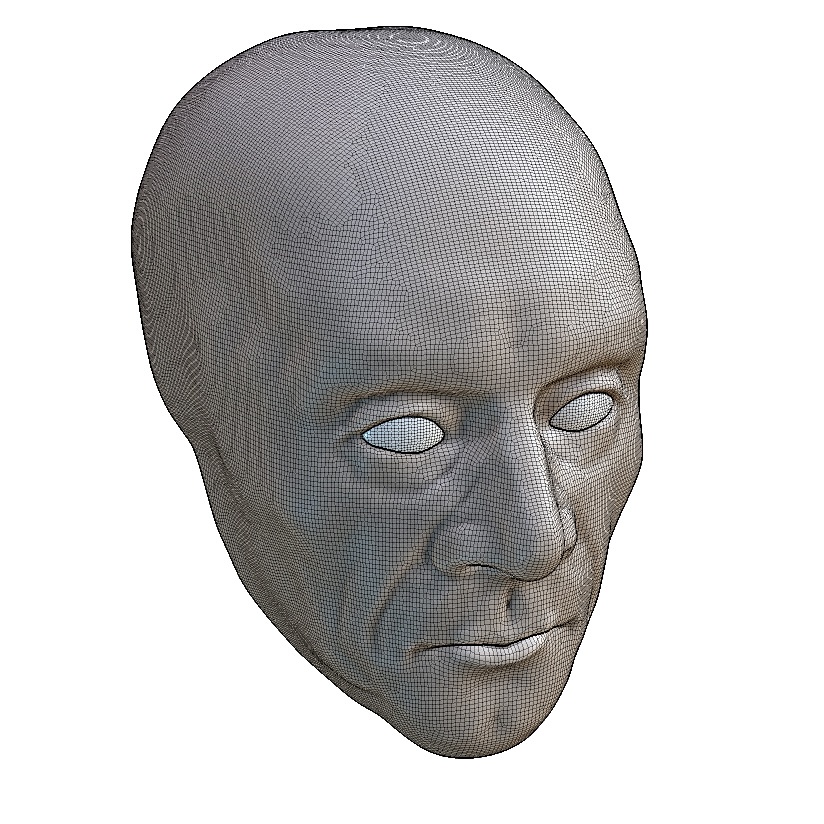
After some time I clearly had to figure out retopologizing, but from then I was able to refine some more. I was really starting to notice not having any reference by this point. I was just making this guy up.

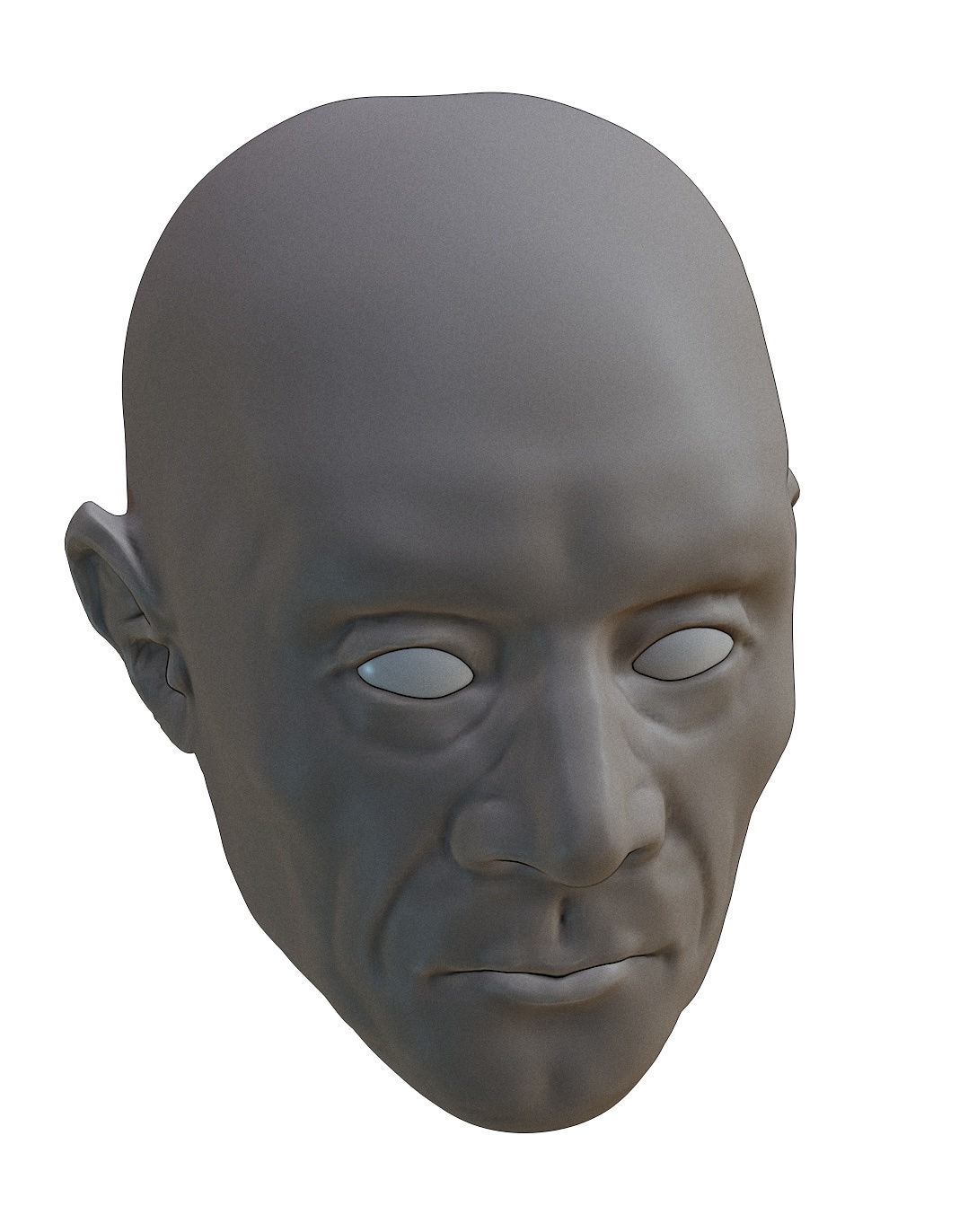
Then I made the mistake of posting it on socials. A mistake? Because I did the same thing I’ve seen so many students do — ignore the ears. Ugh! So, ears.

I didn’t quite know how to approach eyebrows and hair, so I just gave it a go. It’s not great, but it’ll do. For some reason, his hair made him look French to me. Lastly, I wanted a little bit more dynamism and asymmetry, so a little twist in the neck, and a raise of one eyebrow. I tried adding the little loose flesh of the eyelid being pulled up.

In all, I’m super excited about doing more digital sculpting with Nomad. It’s a solid piece of software — I have to figure out more texturing and retopologizing, though! It has to be a mess in there.

I was also noticing that every time I would reopen the file, the details would get softer and softer — note the interior of the ear, the nostrils, the eyelid corners, and the lips. Curious.

Splash

What can I possibly do with this
#Music

I got my first guitar when I was about 14 or 15. At the time I was living in London, UK, and didn't have that close of a social circle. I didn't really go out, and I got quite focused on learning to play guitar.

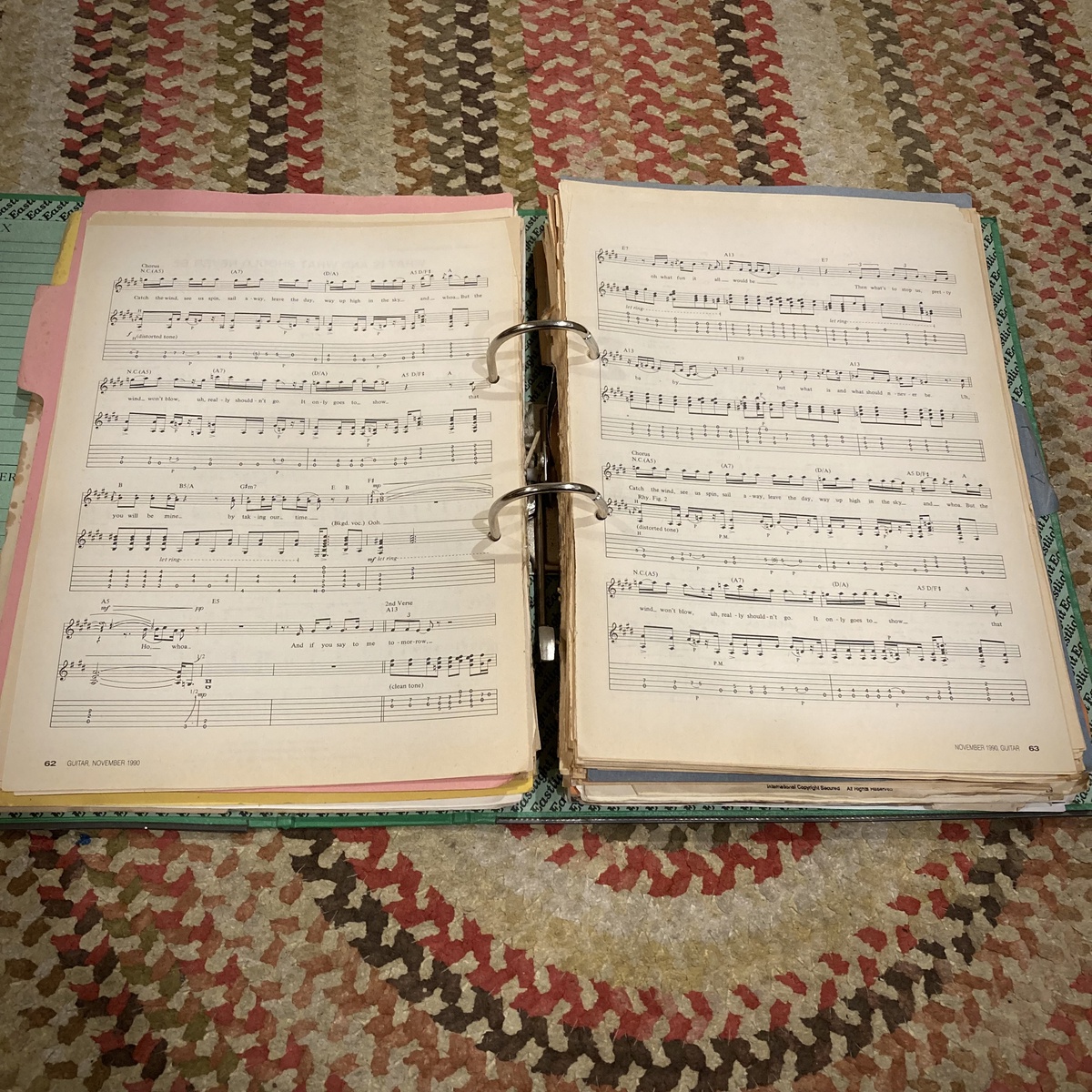
At the time there wasn't an internet, and the bulk of how I learned was from various US-based guitar magazines that would come out every month. They would feature little tutorials and complete transcriptions to songs — songs that often I would never had heard before (again, no internet). It was an interesting way to learn.

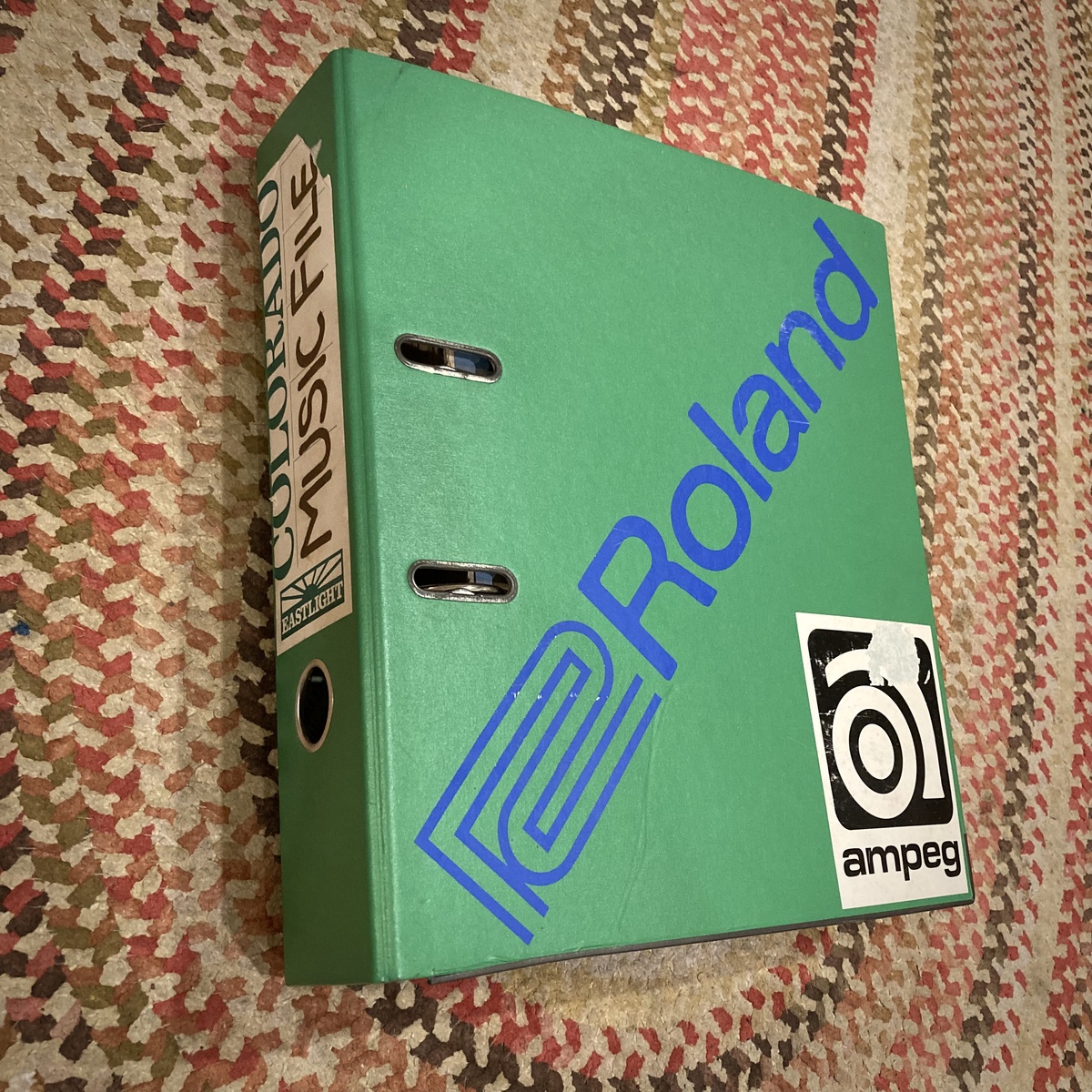
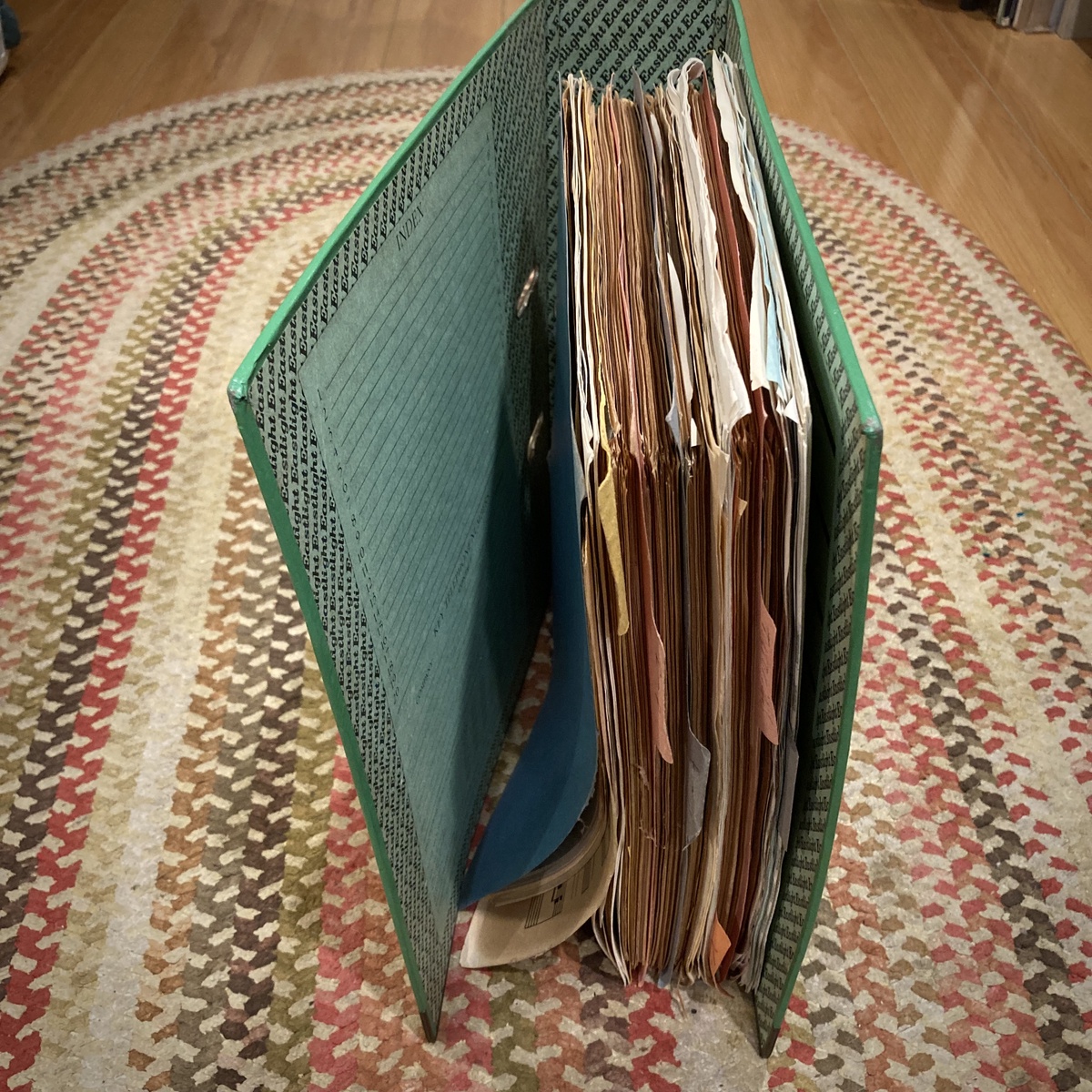
In my hyperfocused learning, I would pull out the good bits of each magazine, and add them to a binder. I would transcribe my own versions from shitty cassette tapes. This binder grew quite large.

Recently we've been packing things up, and relentlessly downsizing stuff. But what can I possibly do with this? This was my bible when I was 16. Nobody else could possibly find it useful these days.

I think it might need a viking funeral.

Getting good
#Board Games #Treasure Hunt #Wellington

This one was pretty special for me. I did a lot of wandering around looking for a good spot up in Mt. Victoria park, and collecting clue photos. But when I got back to the car, my keys were missing! I had to retrace all my steps through the bush, and totally luckily found them again. A one-in-a-million chance.

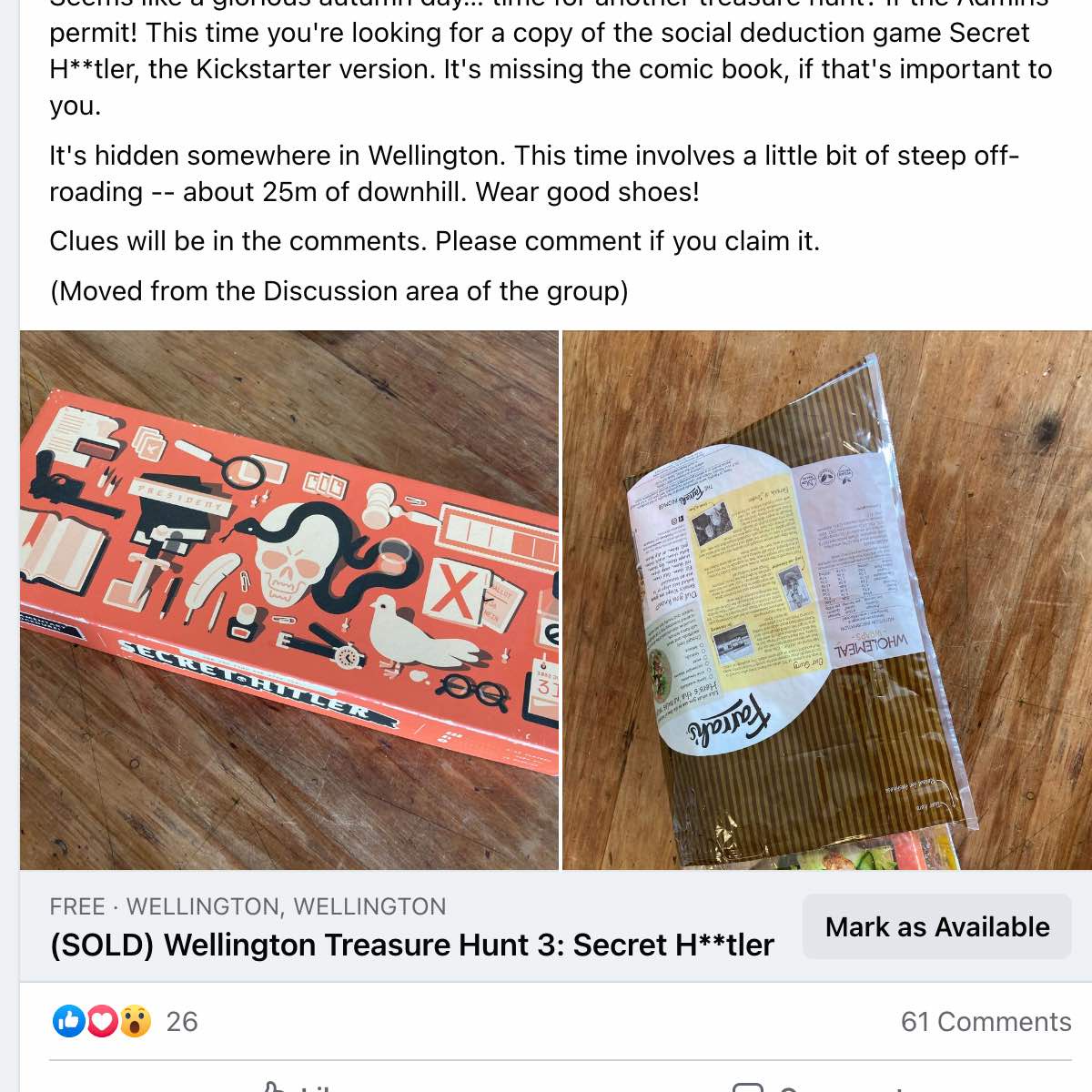
I got a little more tricky with the clues — instead of just showing the location, I had four locations create a X that marked the spot. Unfortunately I didn't realise there are two beachfront empanada places in Wellington. Who would have thought.

Then the hunt itself was great — it seemed like nobody was going to find it, but then in the middle of the night some fellows tracked it down. Their videos were awesome.

Splash

Small victories.
#Programming

I haven’t been posting much about this project, but sometimes something works and you just have to show out-of-context victories. Real-time dynamic location-based matchmaking is hard.

Stepping up a little
#Treasure Hunt #Wellington #Board Games

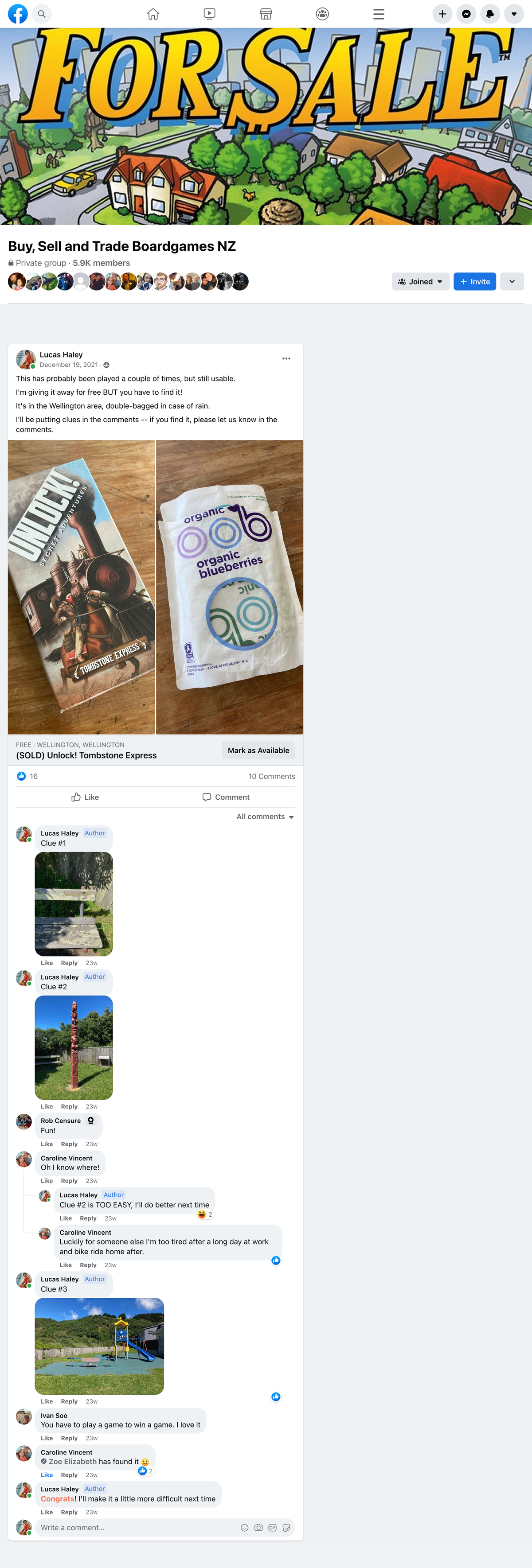
So the first one went alright — perhaps over too quickly. The next one I did from work, just chucking it behind a sculpture. But I did take a little more time to create more interesting clues.

This one was also the first one where the community kinda got into it, and the winner posted their success. That made me glad.

Splash

Steps to make a new template for use in Unity Hub.
#Tutorial #Technical #Unity

I teach Unity a lot. Whenever I have an intro course, the first thing my students see is the default Unity project – which, to me, has some issues. So a good chunk of the first workshop is taken up with setting up the project correctly. I know I can make a sample project, and distribute that project, but there's something unsatisfying about it. I want to be able to have a good, clean template available from Unity Hub.

Here's how to make that template.

Setting up the project

Unity Hub templates are just Unity projects, with some edits. So the first step is to create a Unity project. Make sure you're using the version of Unity you want to make the template for.
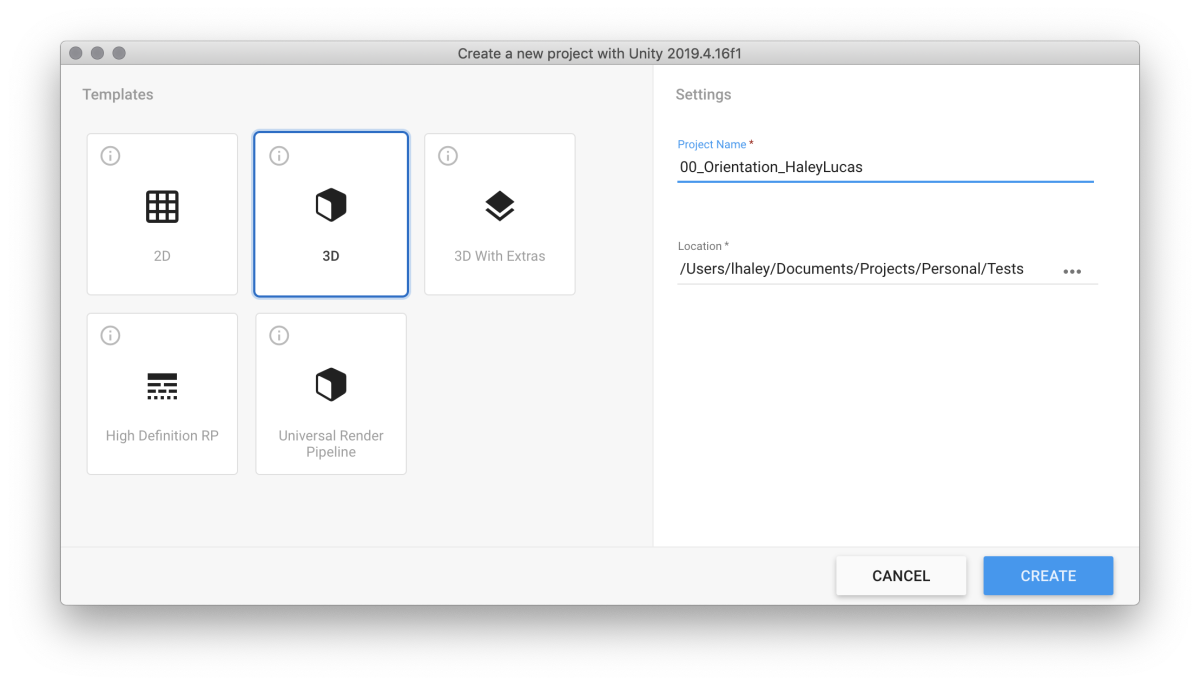
01

Next, in Unity, set up everything you want set up. In my case, I like to make the project directories, add some packages, and the like.
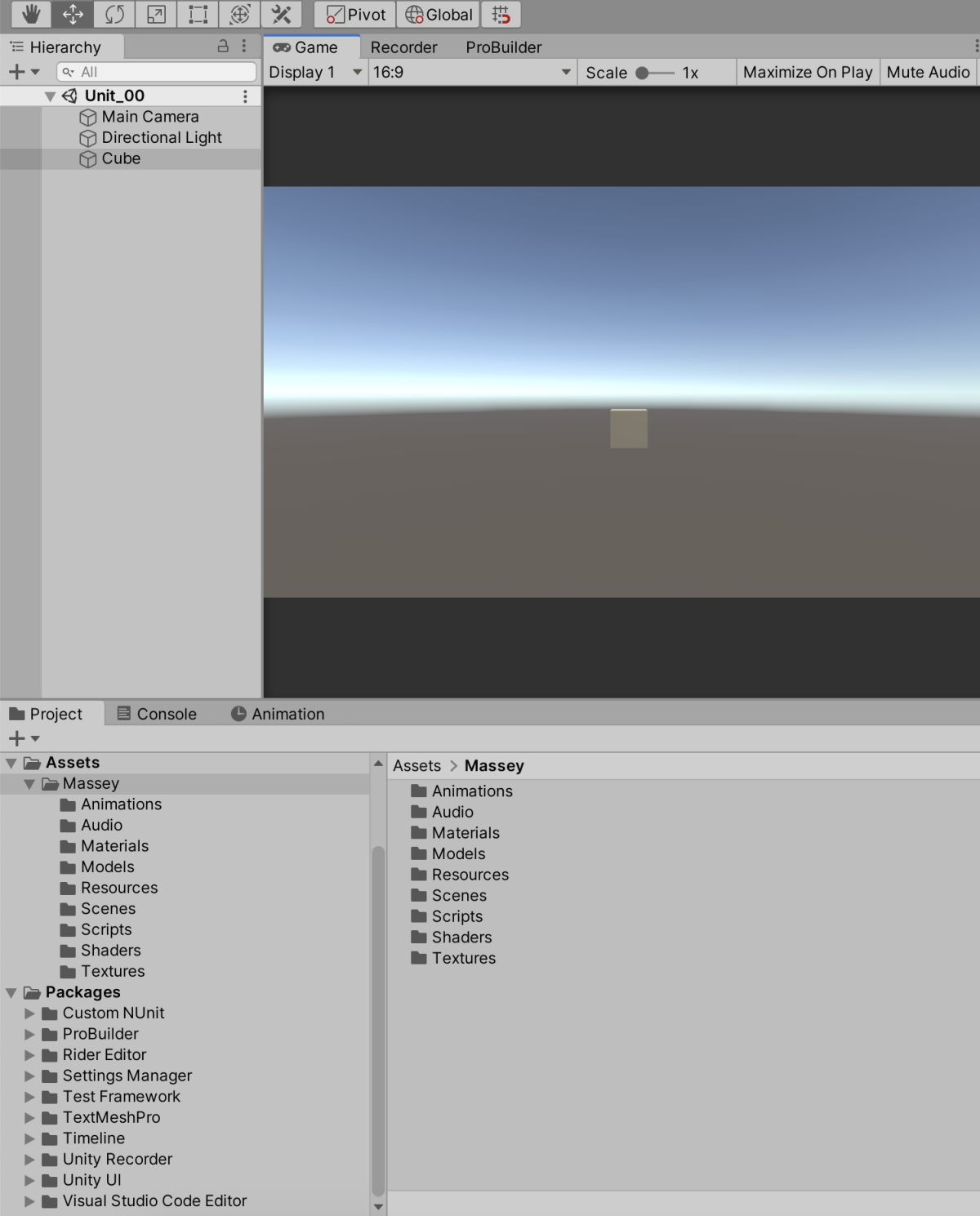
02

Make a note of the path to the default scene you'd like to have in the template. You'll need it later.

Save your project.

Setting up the template

Now we'll need to turn the project into a template. I like to make a copy of the project, so I have a full version to make edits to.

In the new copy, remove all files and directories except for ProjectSettings, Packages, and Assets.
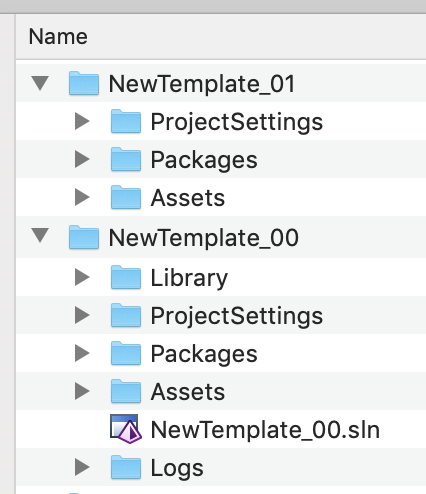
03

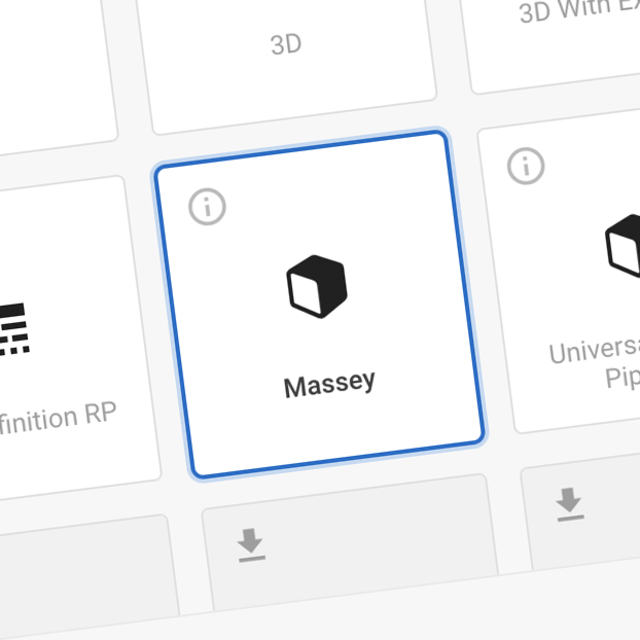
Next, change the name of the project directory to ProjectData~, and put it into a new directory called package.
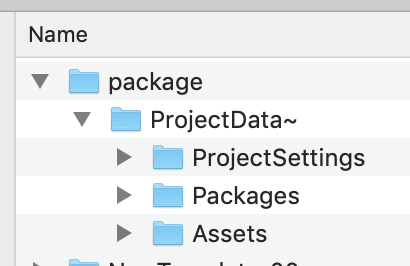
04

Add a new file to the topmost directory, and name itpackage.json.
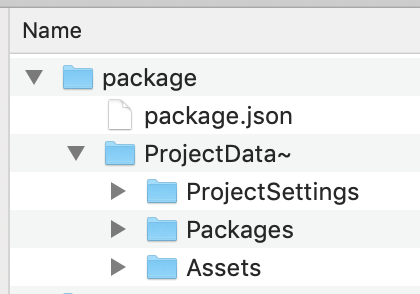
05

The basic contents of this package looks like this:

{"name": "com.unity.template.massey","displayName": "Massey","version": "0.0.1","type": "template","unity": "2019.4","description": "Use this template in Massey courses.","dependencies": {}}

Edit as needed.

You can also make a link to a Github repo for updating, but that's beyond the scope of this tutorial.

Inside of the the ProjectSettings directory, remove ProjectVersion.txt. It makes Unity Hub barf if it's still there.

Lastly, in ProjectSettings/ProjectSettings.asset, edit the templatePackageId and templateDefaultScene lines as needed.

Creating the template archive

Your template is now ready to go. The last things we need to do are to turn it into an archive, and put it in the right place for Unity Hub to find.

To make the archive, you need to turn the entire package directory into a zipped tar. The easiest way of doing this is from the command line. On Mac, this command looks like:

tar czf com.unity.template.massey-0.0.1.tgz package/

Make sure to change com.unity.template.massey-0.0.1.tgz to your own template name and version.

Then copy it into the Unity version you've made it for.

On a Mac, the correct directory is

/Applications/Unity/Hub/Editor/2019.4.16f1/Unity.app/Contents/Resources/PackageManager/ProjectTemplates

and on Windows I believe its:

\Program Files\Unity\Hub\Editor\2019.4.16f1\Editor\Resources\PackageManager\ProjectTemplates

where the version number changes as needed.

In action

And that's it! Check to see it in action: 06
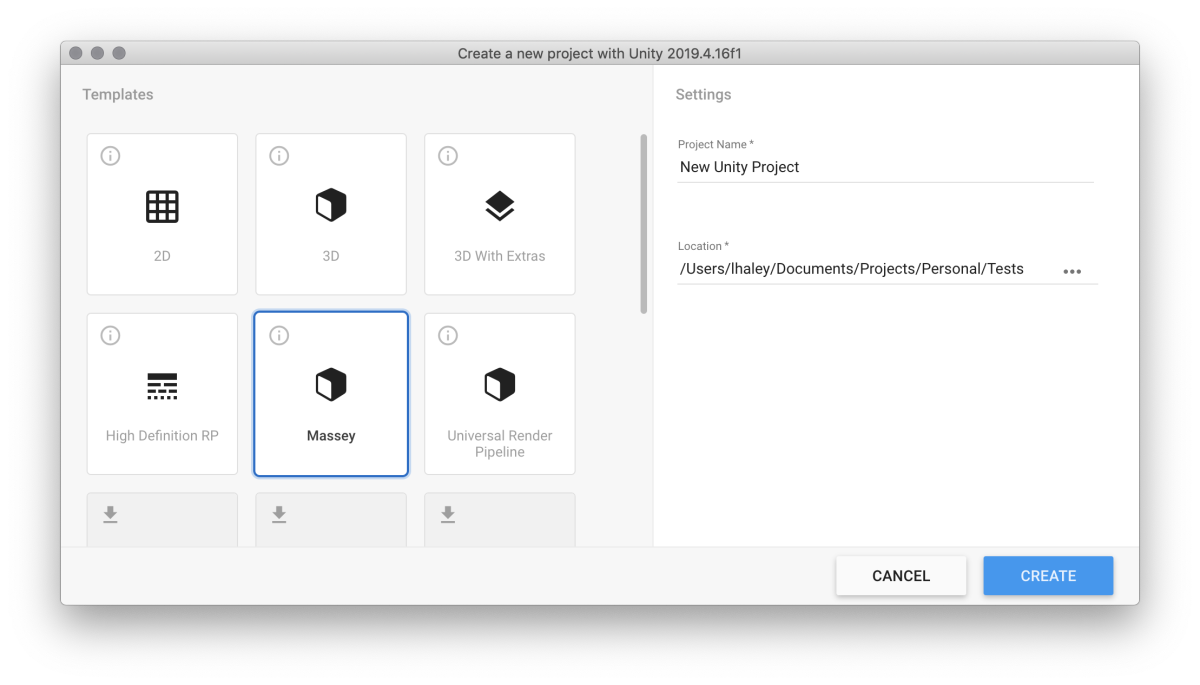
Because I'm too lazy to ship
#Board Games #Wellington #Treasure Hunt

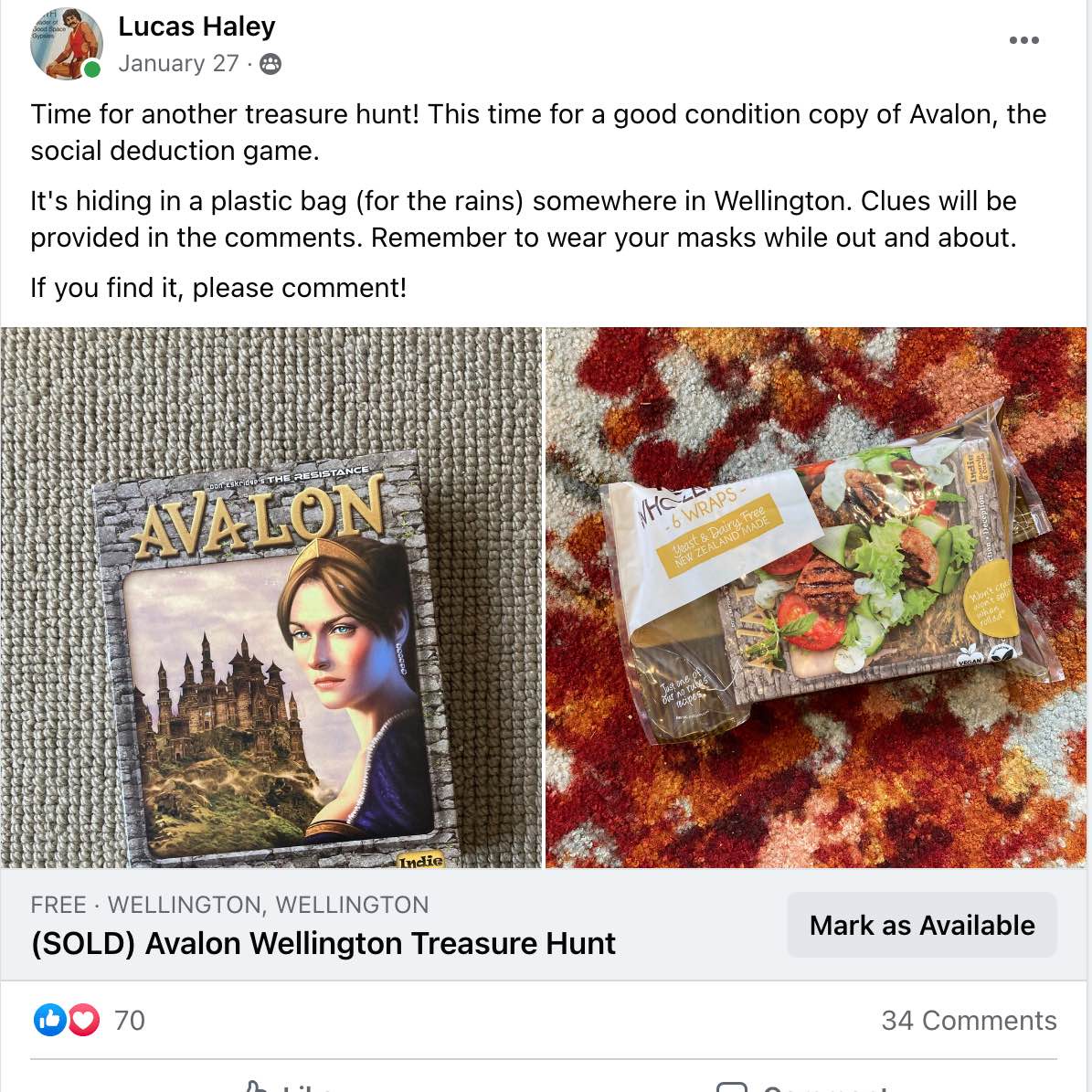
There are quite a lot of things in New Zealand that are relatively much more expensive than other places. Mainly because they have to be shipped there from overseas, but also because the population is quite small. Like, smaller than Pheonix, AZ.

One of those things are board games. They can be almost twice as much as back in the USA, and that can be quite prohibitive. So there's quite a robust resale market, mostly on Facebook.

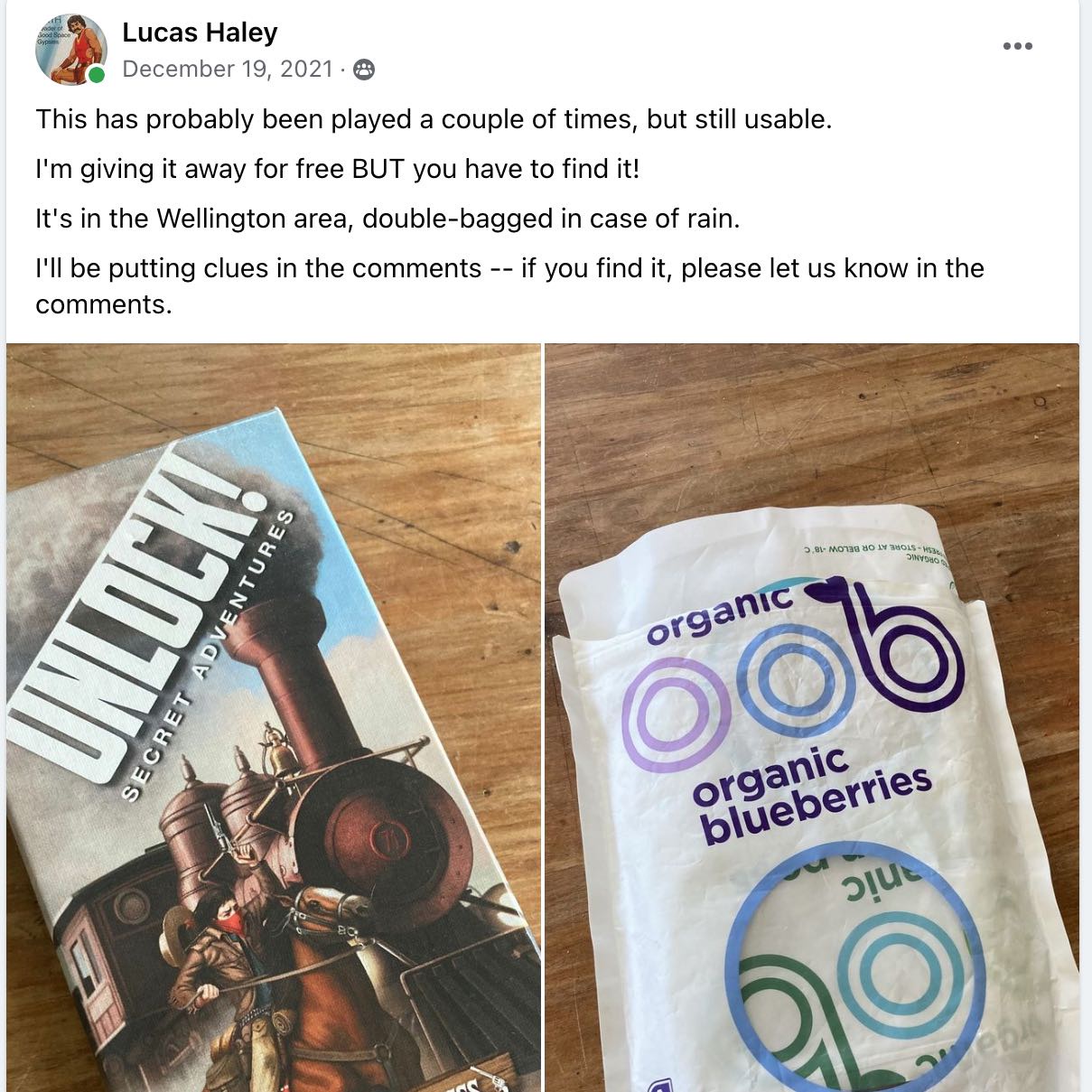
I'm quite lazy, however. And the idea of boxing things up and shipping them is a bit of a drag. So I decided to just leave spare games around the city. Just lying around. For people to find.

To make it more interesting, to those Facebook resale channels I post clues. Usually the game is found in the first few hours. Here's the first one.

A note to myself
#Technical #Unity

For a small research project I've been trying to get realtime location and maps in Unity.

There are a lot of different options, but I've been poking around mostly with MapBox. They have an UnityPackage that seems robust, but I had a time with getting rid of the compile errors. The post that helped was here, especially the bits about the XR Legacy Input Helpers package.

This is just a selfish post to remind me.